Masquerade as the Sunrise Connect Box 3 with the FS.com XGS-ONU-25-20NI
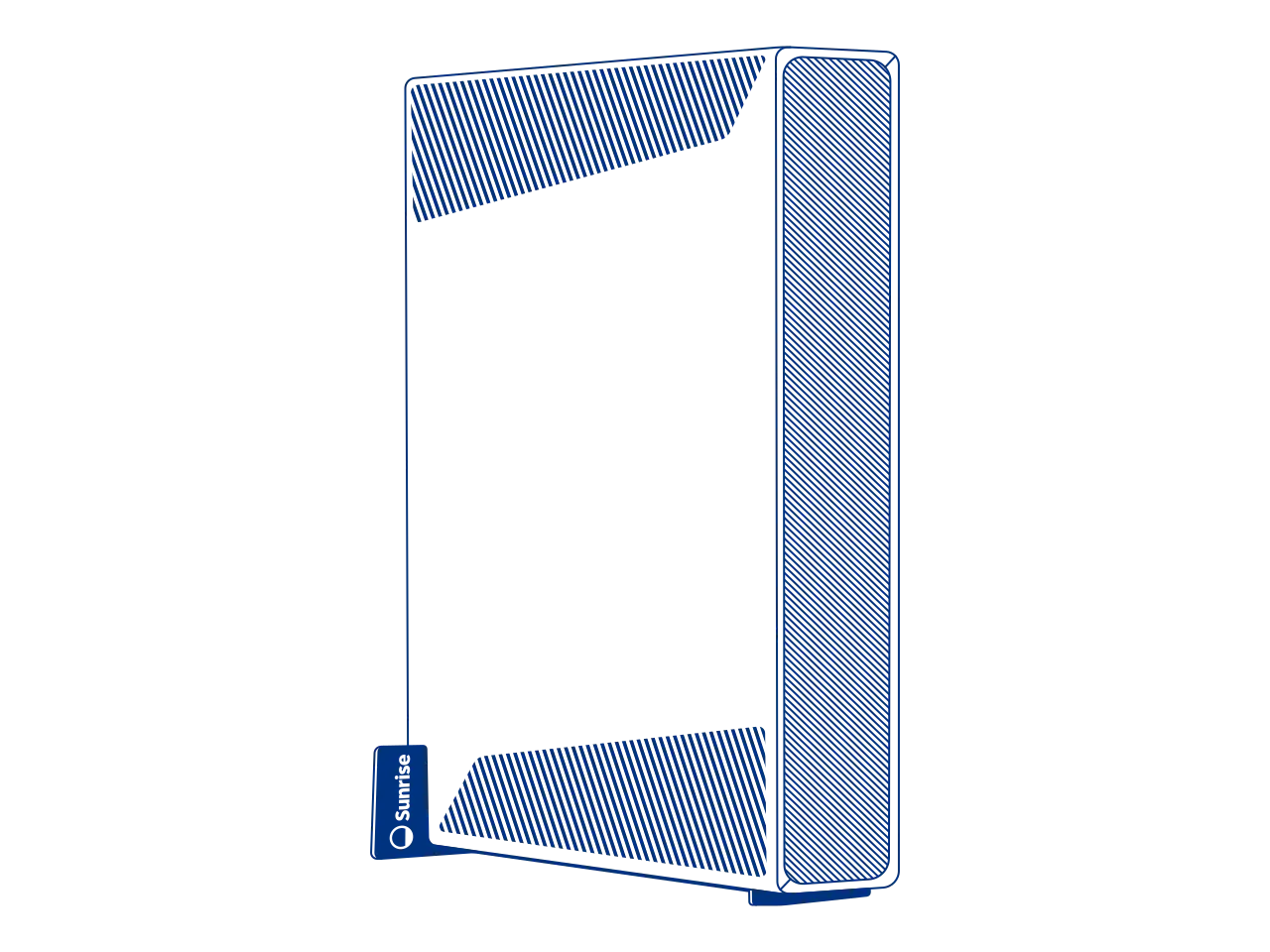
New subscriber installations
Make sure the line is active with the Connect Box 3 first. If its status page shows Network access: Not allowed, the line is not provisioned yet and no ONT will get service: the stick can reach O5 with healthy optics and still receive no DHCP lease.
Tested setup
This guide was tested on a single Sunrise line in Switzerland, with an FS.com XGS-ONU-25-20NI on firmware R4.4.20.023 and a Connect Box 3 on software 7.8.0-2410.5. The WAS-110 and X-ONU-SFPP have not been tested with the Connect Box 3; for those, start from the Home Fiber Box 2 guide.
Common misconceptions and answers
- Is the XGS-ONU-25-20NI a gateway/router?
-
No. It is an SFU ONT (not an HGU) that converts Ethernet to PON; it does not provide Layer 7 gateway functions (NAT, DHCP, etc.) A separate gateway/router is required for internet access.
- Is the serial number the same as on the Home Fiber Box 2?
-
No. On the Home Fiber Box 2 the OLT authenticates the
SMBS… value and not theYCEC… one. On the Connect Box 3, the value to use is the one labelled ONU Serial Number, which beginsYCEC….
Purchase Hardware
ONT
The XGS-ONU-25-20NI is sold by FS.com. Hardware details, UART access and the full CLI are documented on Hack GPON.
Fiber adapter or cable
The Connect Box 3 uses an LC/APC connector and the stick an SC/APC one, so you need a Female LC/APC to Male SC/APC adapter or a Male LC/APC to Male SC/APC patch cable.
Never mismatch APC (green) and UPC (blue)
This causes signal loss and can permanently damage the fiber faces.
Pre-configuration
DHCP MAC Spoofing
You must clone the Connect Box 3 WAN MAC address onto your gateway's WAN physical interface. It is the same MAC used for the Registration ID.
Management access
The stick is managed over telnet on 192.168.100.1 by default. Connect it to a host that can reach that address.
The telnet user is the GPON serial number of the stick, and the password is derived from it. Use the Hack GPON credential generator to get the login for the current serial number, and the one for the Connect Box 3 serial number before you change it.
Configure ONT settings
To masquerade as the Connect Box 3, you will need its ONU Serial Number and its WAN MAC address. The ONU Serial Number is shown on the Info page of its web interface at http://192.168.1.1, and the WAN MAC on its status page.
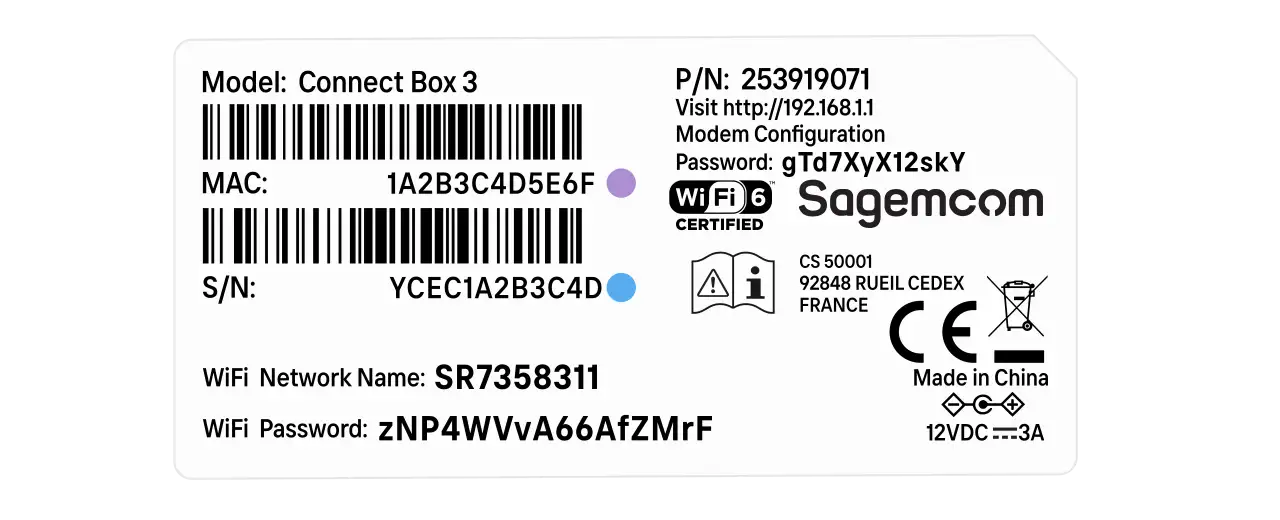
The ONU Serial Number may not be labelled
The label below only has MAC: and S/N: fields, and its S/N: begins YAAS…. Do not confuse it with the ONU Serial Number from the Info page, which begins YCEC….
-
Log in over telnet and open the
miscmenu.telnet 192.168.100.1ONT> enable #ONT> system #ONT/system> misc -
Set the serial number and the Registration ID.
Reminder
Replace
YCEC1A2B3C4Dand314132423343344435453646with the values from your own Connect Box 3.#ONT/system/misc> eqsn set "YCEC1A2B3C4D" #ONT/system/misc> xgspon_regid set 314132423343344435453646The telnet login changes immediately
After
eqsn set, the next telnet session needs the new serial number and the password derived from it. -
Verify the values.
#ONT/system/misc> eqsn get #ONT/system/misc> xgspon_regid get -
Reboot the stick by reseating it. The
miscsettings are applied at the next boot.
The OMCI equipment ID, hardware version and software version were left unchanged on the tested line, and pon_passwd stayed zeroed.
Registration ID
The value is your original Connect Box 3's WAN MAC address, as an UPPERCASE ASCII string, not as raw MAC bytes. The stick fills the remaining bytes with zeros.
Example for a WAN MAC of 1A:2B:3C:4D:5E:6F:
| Step | Value |
|---|---|
| WAN MAC | 1A:2B:3C:4D:5E:6F |
| As an uppercase string, colons removed | 1A2B3C4D5E6F |
| Hex-encoded (this is what you enter) | 314132423343344435453646 |
printf '%s' "1A2B3C4D5E6F" | xxd -p
# 314132423343344435453646
Verify ONT connectivity
Hot plug fiber cable
Avoid direct eye contact with the end of the fiber optic cable
After rebooting the stick, safely remove the fiber from the Connect Box 3 and connect it to the stick. Check that Data Rx Power shows a value and not No input.
#ONT/system/misc> show trans state
Power           : 3V3 (3.4)
Temperature     : 51.64 C
Data Rx Power   : -14.7 dBm
APD Prot        : No
Data Tx bias    : 19.8 mA
Data Tx Power   : 6.1 dBm
Validate OLT authentication
Verify that the stick is in the O5, Operation state, and that the values in use are the ones you set:
#ONT> traffic/pon/show link

 ----------------- LINK STATE -----------------
 Operation State Machine: OPERATION (O5)
 ----------------- STATE  END -----------------
#ONT> traffic/pon/show onu
Router tips
Detailed router setup falls outside the scope of the documentation due to the multitude of available solutions.
- Apply the pre-configuration requirements, including the WAN MAC clone.
- Configure the WAN VLAN to
131. - Configure the WAN for DHCP mode.
Other VLANs seen on the Sunrise OMCI VLAN table
| VLAN | Role |
|---|---|
131 | Internet (data), tag your WAN here |
121 | Operator management (TR-069/ACS plane) |
117 | Voice (VoIP/SIP) |
Troubleshooting
- O5 but no DHCP offer
-
The line or the identity is not provisioned. Check the status page of the Connect Box 3 and contact Sunrise.
- WAN IP assigned, but the gateway does not respond
-
Release and renew the DHCP lease on the WAN interface. On the tested line, this restored traffic, and the same IP was assigned again.
- Link stuck at 1G on a UniFi gateway
-
With the SFP+ port on Auto, a UniFi Gateway Pro saved 1G in its link cache. Setting the port to 10 Gbps, then back to Auto, and rebooting the stick brought the link back to 10G.
- Telnet to the stick fails once it is in the WAN port
-
Add a temporary address and a host route on the untagged WAN interface.
arp_ignore=1can otherwise prevent the router from answering the ARP requests of the stick.ip addr add 192.168.100.2/32 dev eth2 ip route add 192.168.100.1/32 dev eth2 src 192.168.100.2
Software versions
| Software Version |
|---|
| 7.8.0-2410.5 |
Credits
The Registration ID derivation for Sunrise/yallo was originally documented by smma.ch. The CLI commands for the stick are documented by Hack GPON.