Masquerade as the NOS Fast 5684 from Sagemcom with the X-ONU-SFPP
New installations
Before proceeding you will need the PLOAM Password from your Fast 5684 Sagemcom. As of right now, the only method to obtain it is by requesting it to the technician during the installation. If you aren't able to obtain it, it's highly advisable to use their Hardware in bridge mode.
Common misconceptions and answers
- Can I take an SFP+ module connected to Fiber and directly plug it into my own router or switch?
-
No, the original Hardware is a AIO solution. You will need to have the PLOAM PWD to progress in this guide.
- The technician refused to provide me with the password, is there another way to obtain it?
-
As of right now there is no other method to obtain it.
- Do the WAS-110, X-ONU-SFPP, HLX-SFPX, or WT-ONU-STICK ONT's support GPON wavelengths (1490 nm downstream and 1310 nm upstream)?
-
No, the BOSA in these ONTs are calibrated exclusively for XGS-PON wavelengths: 1577 nm downstream and 1270 nm upstream. They use the Macom M02180 (WAS-110), Macom M02181 (X-ONU-SFPP), and Semtech GN28L96 (HLX-SFPX) laser drivers, which are designed specifically for 10G-PON applications.
- Are the WAS-110, X-ONU-SFPP, HLX-SFPX, or WT-ONU-STICK a gateway/router?
-
No. These are SFU ONTs (not HGUs) that convert Ethernet to PON; they do not provide Layer 7 gateway functions (NAT, DHCP, etc.) A separate gateway/router is required for internet access.
Verify XGS-PON service
2 Gbps or higher tiers
If you are subscribed to 2Gbps or higher tier internet package, skip past to Purchase WAS-110/HLX-SFPX ONT.
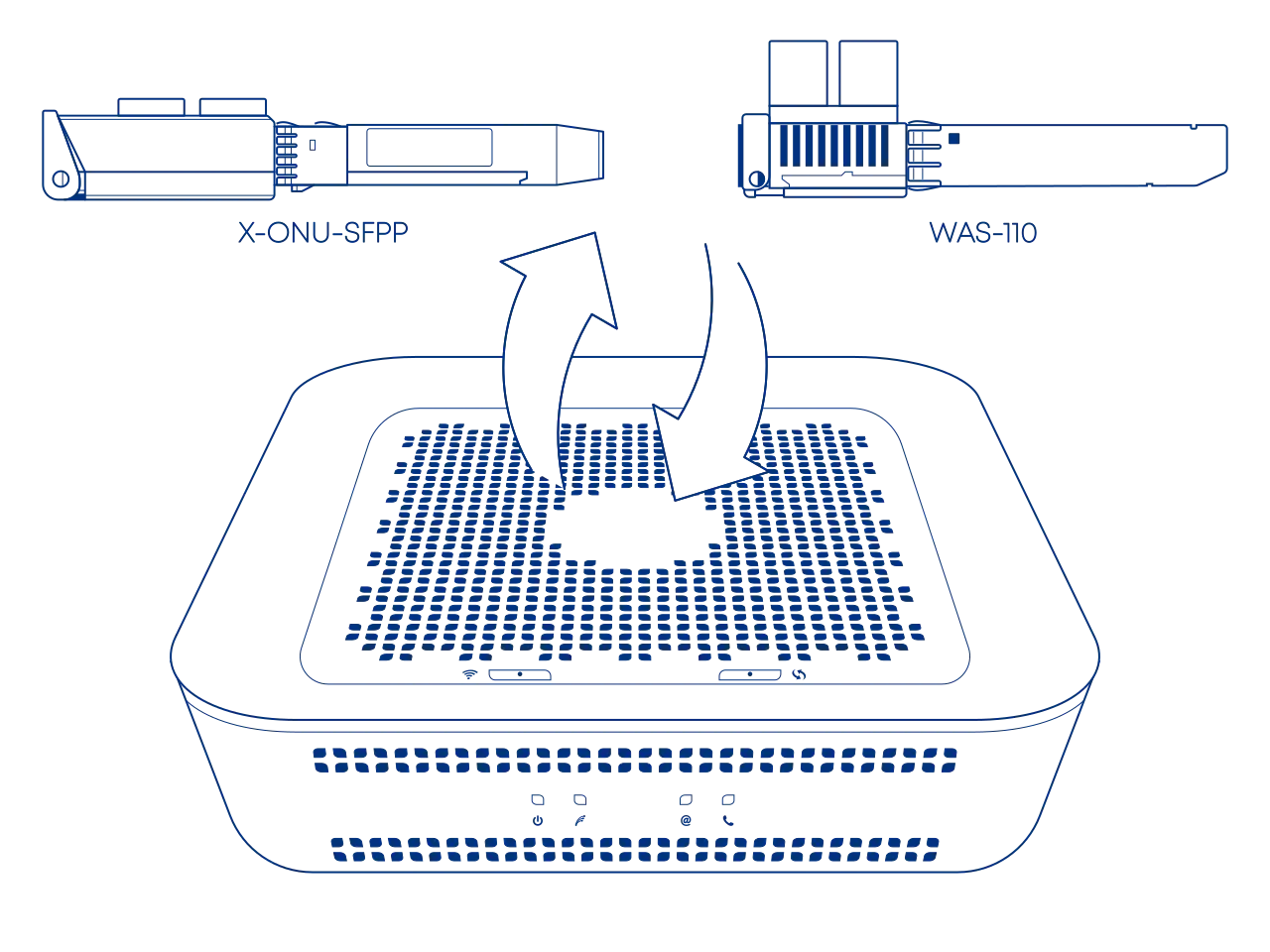
Purchase WAS-110/X-ONU-SFPP ONT
The WAS-110 and X-ONU-SFPP are available from select resellers worldwide; purchase at your discretion. We assume no responsibility or liability for the listed resellers.
Purchase SC/APC variant; if unavailable, add an SC/APC (female) to SC/UPC (male) 0dB attenuator for conversion.
Salt terminateis their fiber at the ONT using SC/APC (green) connectors.
Angled Physical Contact (APC) tips are polished to 8 degrees. This eliminates signal reflections on the fiber.
Never mismatch SC/APC (green) and SC/UPC (blue). This causes signal loss and can permanently damage the fiber faces.
-
WAS-110
-
X-ONU-SFPP
Pre-configuration
Before beginning the ONT configuration, ensure you have addressed the following networking requirements to enable successful communication with the PON.
DHCP MAC Spoofing
The ISP’s DHCP server identifies your connection via the Unique MAC address of the original equipment. To ensure the ISP "trusts" your new hardware immediately, you must clone the Fast 5684 Sagemcom MAC address onto your gateway's WAN physical interface.
The "Lease Window" Issue
ISP DHCP leases are often tied to a specific hardware ID for a set duration (30 minutes for AT&T). If you swap hardware without cloning the MAC, the server will detect an "unauthorized" device and refuse to issue a WAN IP until the old lease expires.
LCT Access Route
To install, upgrade, and configure the ONT, your gateway must be able to reach its Local Craft Terminal (LCT) interface. Follow the Accessing the ONT guide to set up the proper network routing between your gateway and the ONT management plane.
Install ONT firmware
You must first install the 8311 community firmware for VEIP support to masquerade as the Fast 5684 Sagemcom on XGS-PON.
Upgrading a pre-flashed 8311 WAS-110 or X-ONU-SFPP
If your WAS-110 came with 8311 firmware pre-installed, you do not need to follow the full installation guide below. Instead, you can go directly to the Supplementary Upgrades section to re-install the official 8311 community build to both A and B partitions.
There are two (2) methods to install the 8311 community firmware onto the WAS-110, outlined in the following guides:
-
Method 1: recommended
-
Method 2
The X-ONU-SFPP 8311 community firmware installation requires a two-step process and is more prone to failure or bricking.
This process is not thoroughly documented and can lead to a bricked device
- Step 1: Install the Azores bootloader
-
Skip past to the solution in the following issue tracker on how to install the Azores bootloader.
- Step 2: Multicast upgrade
-
Follow through the WAS-110 multicast upgrade and community firmware recovery guide to install the 8311 community firmware.
PLOAM Password
Before proceeding please make sure you have your PLOAM Password from your Fast 5684 Sagemcom.
Configure ONT settings
To masquerade, you will need the original ONT serial number and the PLOAM password. The ONT serial number and other identifiers (e.g., hardware version, software version) from your Fast 5684 Sagemcom's can be found in the router's stats page or using the ISP's App, NOSNET.
Alternatively, for the ONT serial number, it can be found on the label of the Fast 5684 Sagemcom or from the box it came in.
Use your preferred setup method and carefully follow the steps to avoid unnecessary downtime and troubleshooting:
Via web recommended


-
Within a web browser, navigate to https://192.168.11.1 and, if asked, input the default credentials (root Aa123456) .
-
From the 8311 Configuration page, on the PON tab, fill in the configuration with the following values:
All attributes below are for the Fast 5684.
Replace the
 ONT ID with the one found on the Fast 5684 Sagemcom's label and
  ONT PWD with the value provided by the technician.
Attribute Value Remarks PON Serial Number (ONT ID) SMBSXXXXXXX; ONT IDLogical Password (ONT PWD) 0NTp4s5w0rd; ONT PWDMIB File prx300_1V_bell.ini default .ini file Fix VLANs Enabled Found in ISP Fixes Tab Attribute Value Remarks Hardware Version 000000 Software Version A P-00 Software Version B P-00 -
Save changes and reboot from the System menu.
Verify ONT connectivity
Hot plug fiber cable
Avoid direct eye contact with the end of the fiber optic cable
After rebooting the WAS-110 or X-ONU-SFPP, safely remove the SC/APC fiber optic cable from the Fast 5684 Sagemcom and connect it to the WAS-110 or X-ONU-SFPP.

- Navigate to https://192.168.11.1/cgi-bin/luci/admin/status/overview and, if asked, input your root password.
- From the PON Status section, evaluate that the RX Power and TX Power are within spec.
For troubleshooting, please read the Troubleshoot connectivity issues with the WAS-110 guide's Optical status section.
Validate OLT authentication
Check for O5.1 PLOAM status
- Navigate to https://192.168.11.1/cgi-bin/luci/admin/status/overview and, if asked, input your root password.
- From the PON Status section, verify that the PON PLOAM Status is in an 05.1, Associated state.
For troubleshooting, please read the Troubleshoot connectivity issues with the WAS-110 guide's PLOAM status section.
Check for OLT associated VLAN filters
- Navigate to https://192.168.11.1/cgi-bin/luci/admin/8311/vlans and, if asked, input your root password.
- From the VLAN Tables page, if the textarea states "No Extended VLAN Tables Detected", the ONT configuration has not satisfied the OLT.
Congratulations
If you made it this far and your PON Status shows an O5.1, you can now store the ISP's modem in a safe place until your lease ends.